
Crushing the Accessibility Audits!
What happens in Accessibility audits, SHOULD NOT stay in Accessibility Audits!

This is not another one of those posts that rant about the accessibility overlays that claim to make a website 100% accessible. This is a rant but about something else. if you wish to know more about the accessibility overlays, visit overlayfactsheet.com
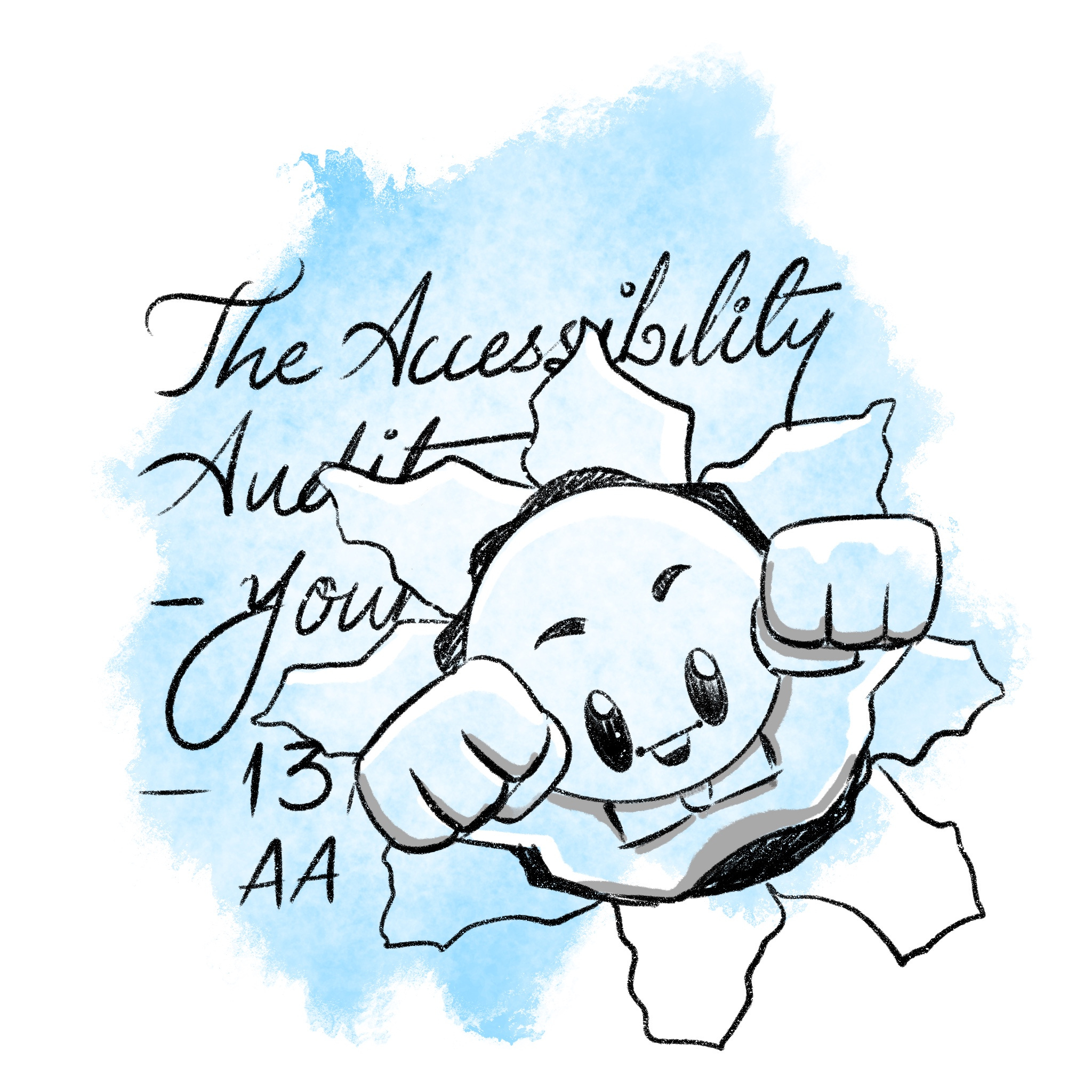
Let's try to understand what accessibility means. Contrary to popular belief an accessible product does not mean something that satisfies all the accessibility guidelines laid down by WCAG to the t. It is not something that checks every box! To me, what it means is the information or the services you are offering are available to all people including those with varying levels of disabilities, whether visual, auditory, neurological, motor, or cognitive. The end goal of this is to ensure unrestricted flow of information.
Can you deliver the same level of experience for everyone?
…Unlikely.
Should you at least try to provide the same level of experience to all users irrespective of their abilities?
…You should!
Will there be any hurdles in achieving this?
…Hell yeah!
Should you give up if you feel this just can't be done?
… Well….
The answer to that last question is exactly what differentiates accessible products from the ‘mediocre’ ones. Many application creators look at the accessibility checklist, evaluate the efforts to make it happen, and then weigh that against the possibility of new customer acquisition. The Singaporean Disability Facts and Figures report says that about 3% of people have to deal with disabilities, that require assistive technologies*. If you weigh that number, a mere 3% against the entire accessibility checklist, sadly, I have to say that the companies are making a good economic decision. The statistics will vary from country to country and one needs to be prepared for that!
*Note: The actual number is much higher. The WHO estimates that about 16% of the global population relies on assistive technologies. If the number in your Addressable market is less than that, the lower number WILL be used against the person who is trying to make a case for accessibility in the org!

This is why the state of accessibility is what it is today.
The journey of making the product accessible always starts with something known as the accessibility audit. A scorecard of your product, produced by a bunch of industry experts. This report tells you which elements violate the WCAG guidelines, how they should have been to conform to guidelines, and how to make this change happen. At the receiving end, these issues are converted into tasks, that will be added to the task tracking software like Jira.
If the accessibility is not considered right from the beginning, the number of issues and thereby the tickets created to FIX accessibility by the end of the audit will be extremely high.
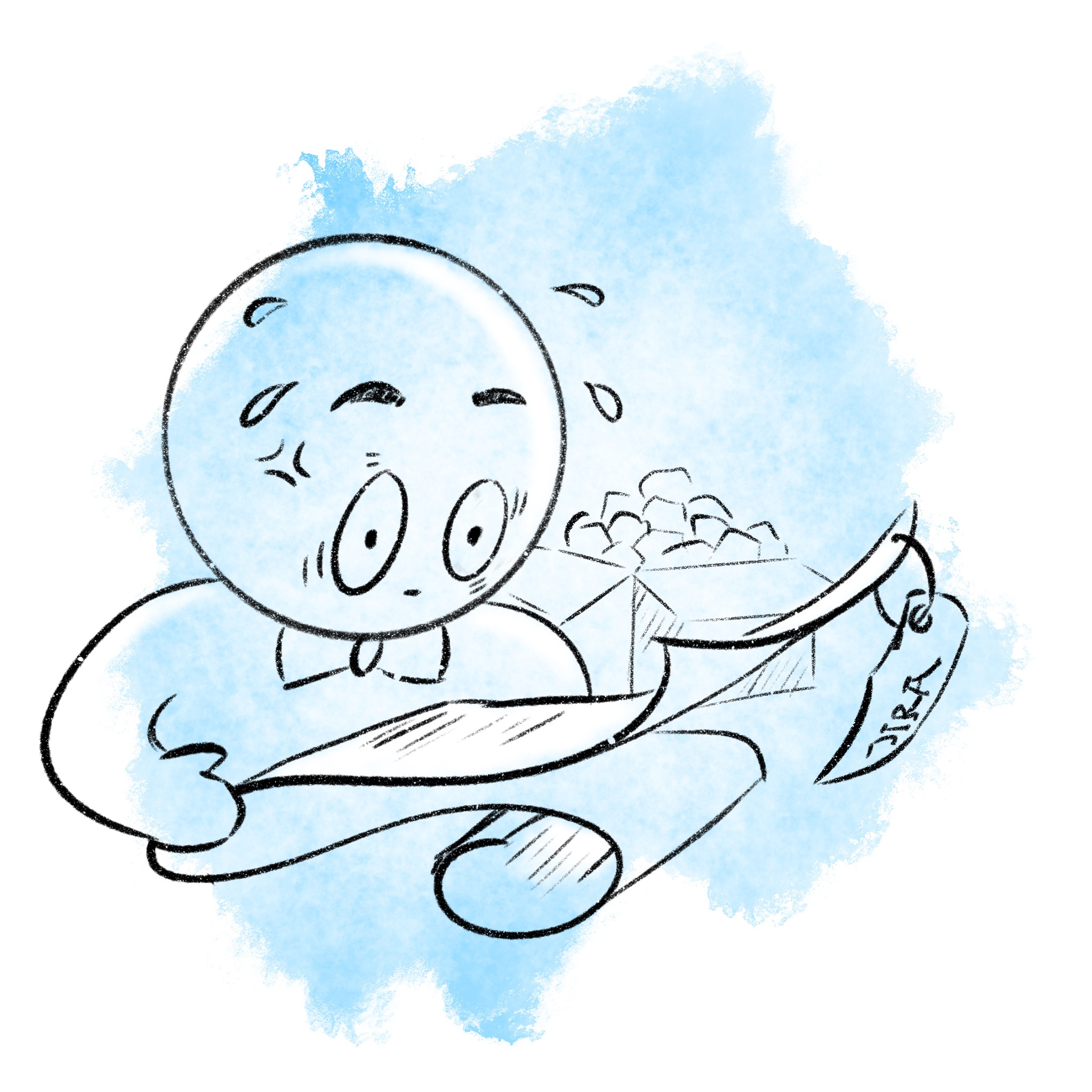
Let's look at the last question once again. Should you give up if you feel that this simply can't be done? But this time, let's start attacking the checklist.
The important thing to remember over here is that all these checklists are geared towards perfection. This means that the guidelines cater to all possible disabilities like visual impairments, hearing problems, cognitive/learning disabilities, and motor limitations. This means if you somehow manage to check all the guidelines, you will end up creating the most accessible product ever built on this planet as per W3C.
But is this your end goal? Most of the time, the answer would be NO!
These guidelines were written when the mobile app game was not strong enough. So most of them do not directly translate to mobile applications. If you want to understand how they apply to mobile apps, you might want to take a look at my interpretation of the MCAG.


The next thing you might want to consider is the kind of information or service you are trying to provide. Focus on that core user flow. Can the users relying on assistive technologies complete that flow? If the answer to that question is yes, then the accessibility report is not something you should lose your sleep over! It does not matter if the ‘share to LinkedIn’ button on a food recipe website does not have an accessibility label.
Would that be annoying?
…Definitely.
Does it stop the users from consuming the information?
…Not at all.
I'm not saying at all that you should ignore these tiny things. However, these tiny things take up a slot in audit reports and the report starts looking bulkier and bulkier. The bulkier the report, the more reluctant would be leadership to invest in fixing those. As the principle of Task Aversion states, If the task looks bigger, people will be more reluctant to start it.
Another thing to remember, as they always say, is that the audit report is like a tasty dish. If you don't consume it within 6 months, it becomes useless. But it also matters how these issues have been classified in the accessibility report. For example, missing a text label is a critical issue. But where it is missing matters a lot. If it is missing in a critical juncture where users are trying to complete the core flow, then yes! it is critical. If the label is missing in the share button as discussed in the earlier example, it immediately becomes concerning rather than critical. The idea is to focus on fixing the critical flaws as soon as possible.
What I'm trying to say here is that it is time to start ignoring the accessibility scorecard made against WCAG, and start focusing on the job that needs to be done. The path you provide to make the intended job happen must be accessible rather than focusing on checking every single item on the WCAG checklist. As long as your users can use your product, it is okay to score a little bit low in the accessibility audit. Because if your users can use your product that makes your product accessible! and that's the end goal here. I'm not trying to say that you should completely disregard the accessibility audits, however, try to sort them into the NOW-NEXT-LATER. See from all the issues that are reported in the audit which one stops the users from using your service, or reaching the information you want to provide. As a team, you need to prioritize those as P0 (now bucket) while the rest can become your P1 (next bucket) and P2(later bucket).
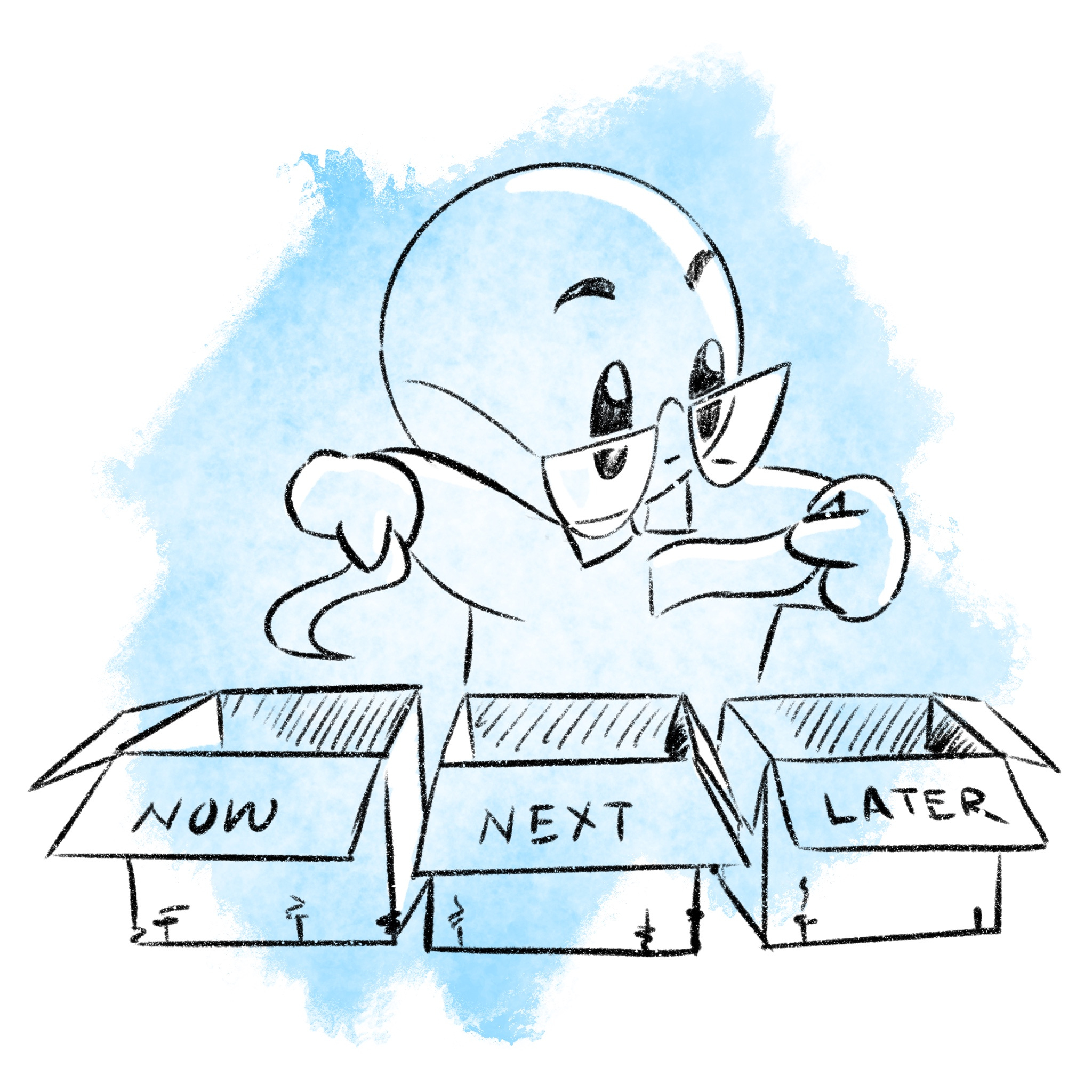
This will help your team to audit the accessibility audit report and come up with what needs to be fixed immediately and what can wait a while. This will reduce the number of Jira tickets (or whatever task-tracking software your org uses) and it would help your team get the buy-in from the leadership. Once the critical issues are fixed and the impacts are visible, the team can then start addressing the ‘Next’ and the ‘Later’ buckets!
If you wish to know how one can avoid these bulky audit reports in the first place, consider the book 'mobile accessibility rituals' which will help you achieve the usability of the mobile application using assistive technology, starting from the design phase.
Yes, I have compiled books!

Every once in a while, the content gets a bit large for blog posts. So it is assimilated and published as a book (or a notion template). You can buy the existing books and find upcoming books on this page.